

Point-and-click adventures
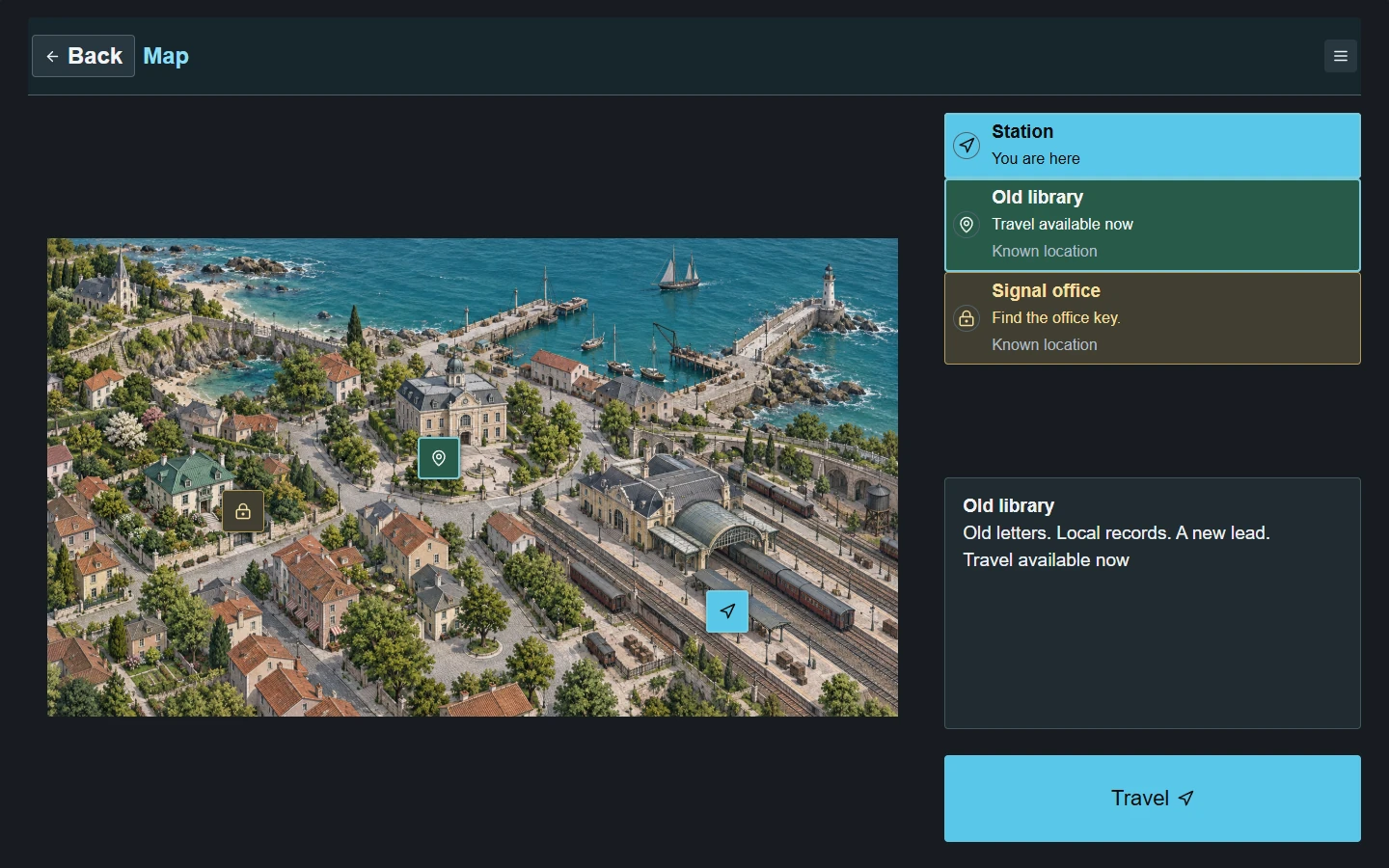
In Coastal Routes, the player chooses where to travel. The map shows which places are open and which are still locked.

0.73THE ENGINE FOR STORY-DRIVEN 2D GAMES
Make stories people can play.
Places to explore. Objects to interact with. Choices with consequences.
All in one visual editor.
Windows x64 · 0.73 · Early Access Free before 1.0. Optional support.
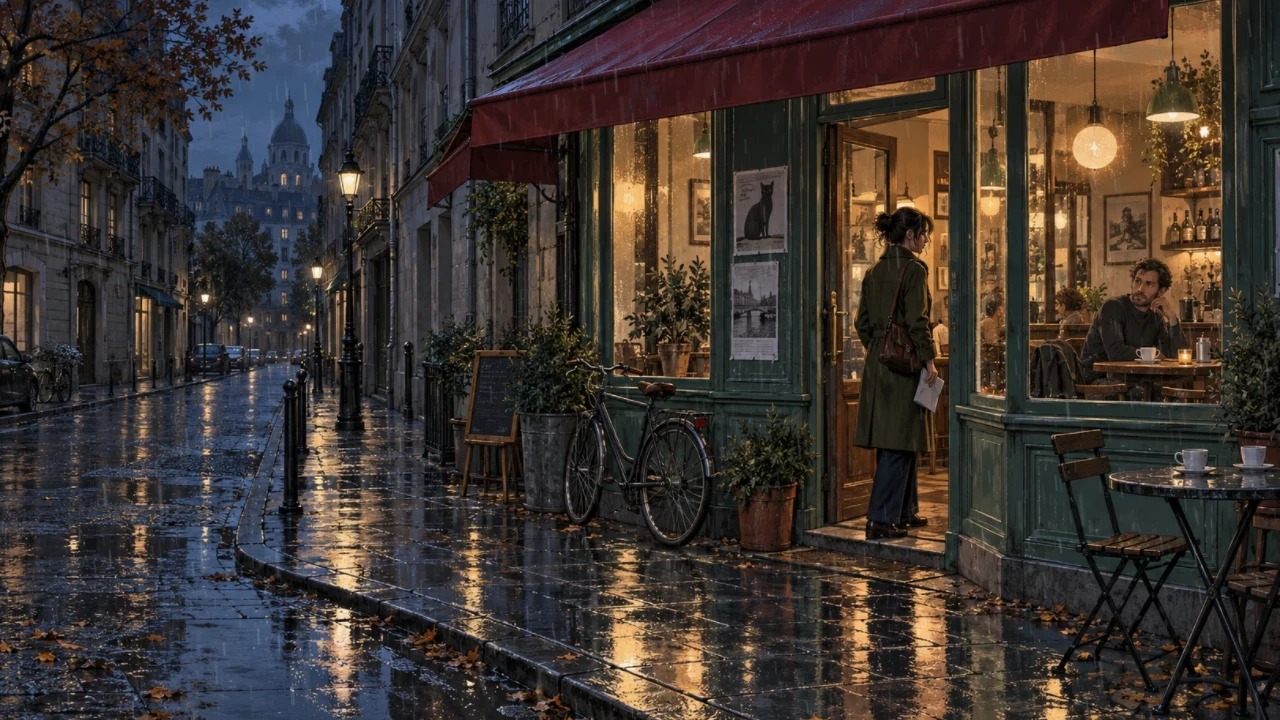
After the Rain · Rain in TROK ENGINE 0.73
STORY-DRIVEN 2D ADVENTURES
Choose a route through a coastal town, examine a clue in a dark corridor, or answer a radio call. These are moments from projects made in TROK.
In Coastal Routes, the player chooses where to travel. The map shows which places are open and which are still locked.
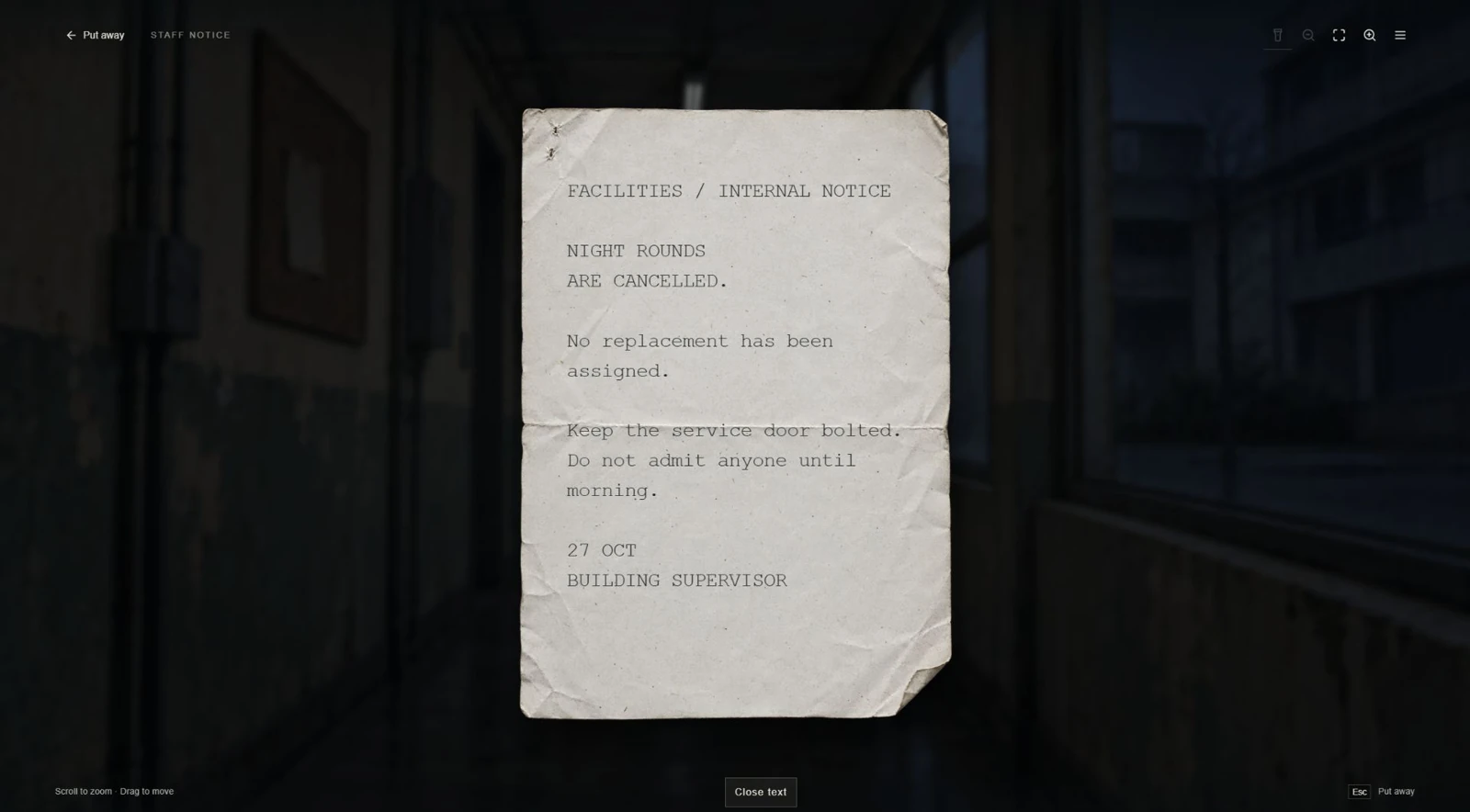
In Someone at the Door, the caretaker finds a notice cancelling the night rounds. So who is knocking at the service door?
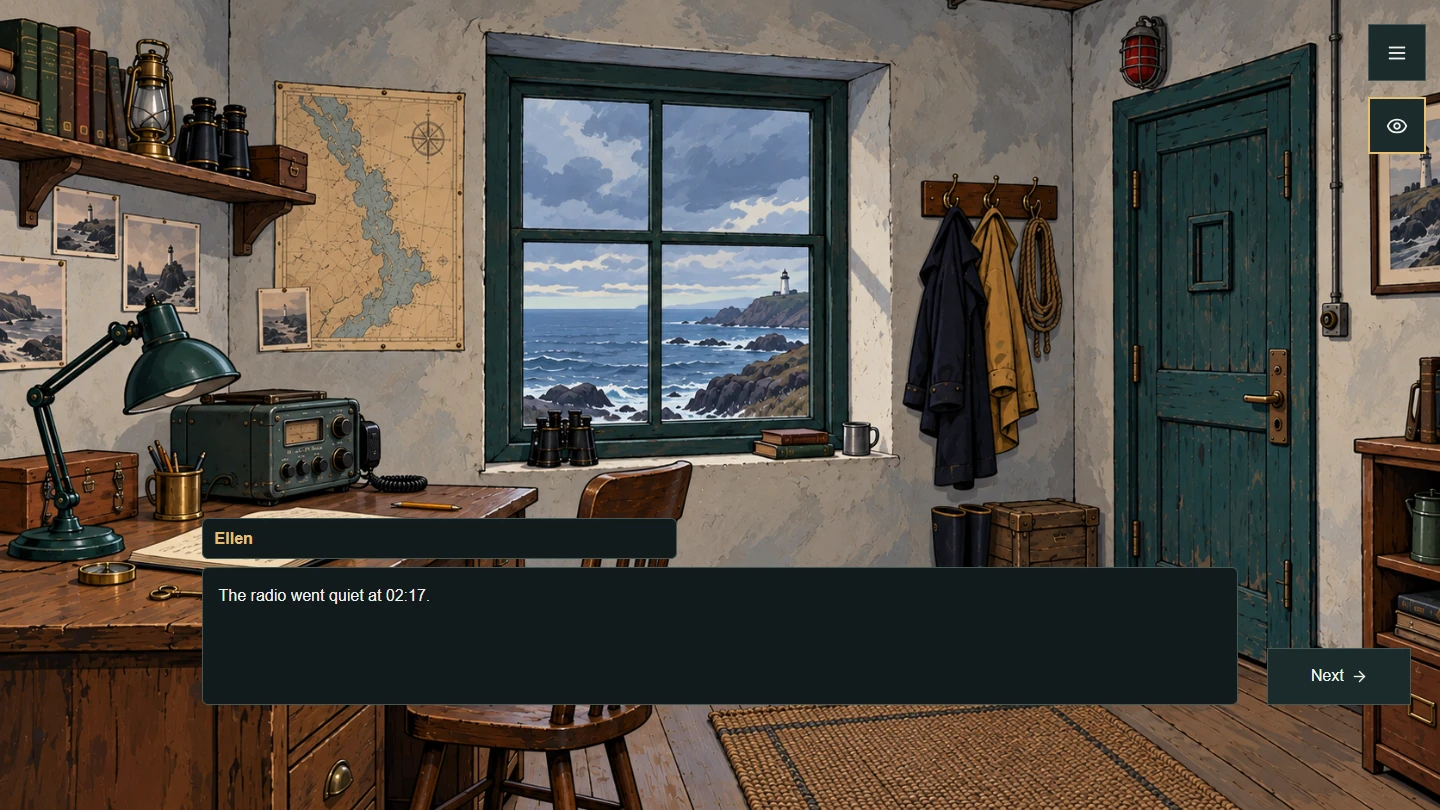
In The Last Signal, Ellen remembers the exact minute the radio went silent. The conversation opens in the lighthouse keeper’s room.
AN EXAMPLE STORY SEQUENCE
The player inspects a desk and picks up a key.
Inspection + inventoryThe key opens a drawer. Inside is a note.
Item + reactionFinding the note unlocks a new question in a conversation.
Discovery + dialogue conditionThe answer makes a new address available on the map.
Event + story mapThe author defines these links through conditions and actions. This illustrates how the engine systems connect, not a separate included game.
VISUAL EDITOR
Place objects, define reactions and connect them to the story. Dialogue, inventory, discoveries and story conditions share one project. Configure the core actions without code.
Your backgrounds, characters and props. Place, resize and layer them on the canvas.
Dialogue, choices and object reactions. Build the rules behind your story.
Test inside the editor, then export a standalone Windows game for your players.
WEATHER IN 0.73
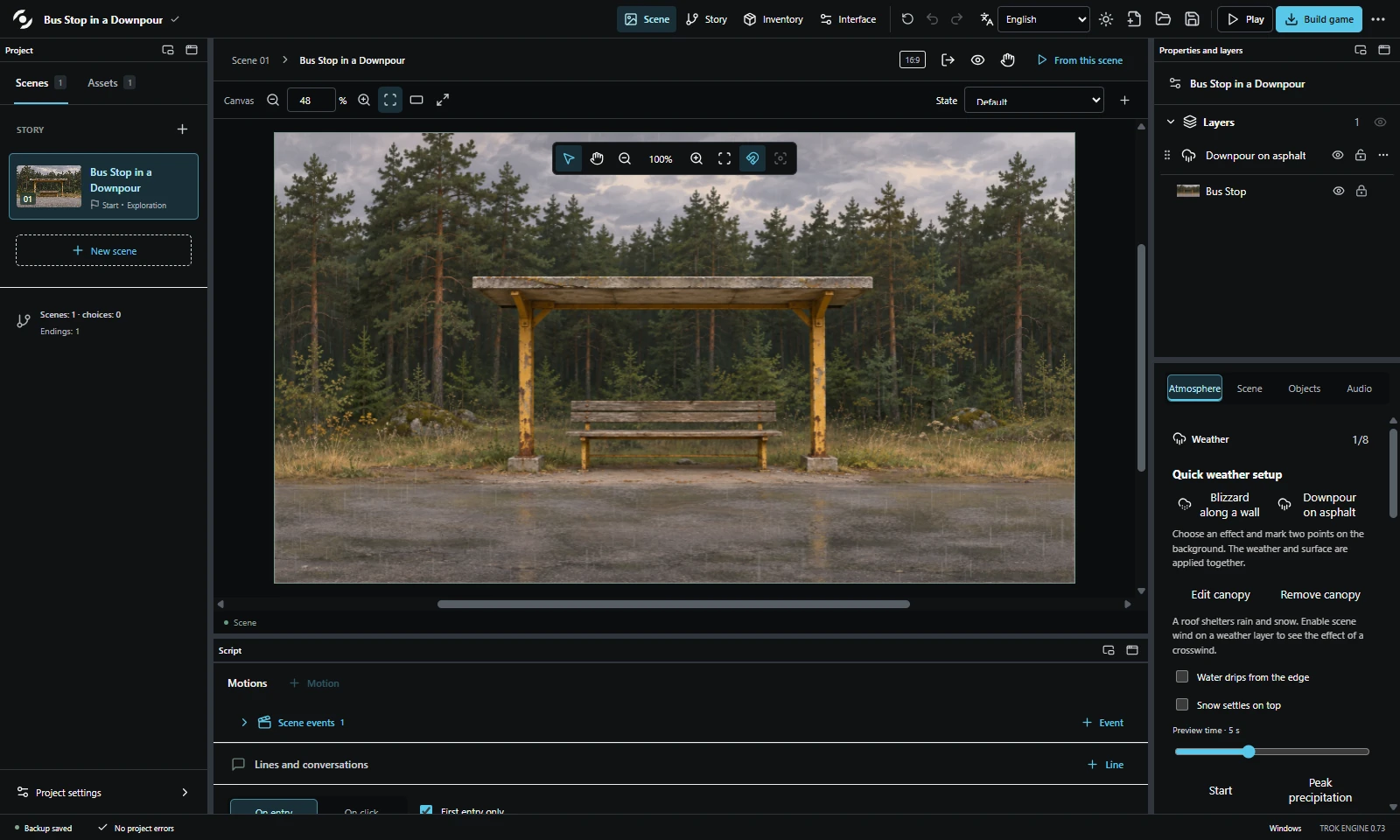
Watch the edge of the shelter roof. Water drips in quick succession during a downpour. When snow melts, you can follow a single drop all the way to the road.
DIRECTION
A wide shot. A glance. A detail. Save camera shots and connect camera moves, dialogue, pauses and fades in a staged sequence.
Scene-render recording. The smooth camera transition and rain use the engine’s own systems.
INTERFACE COMPOSER
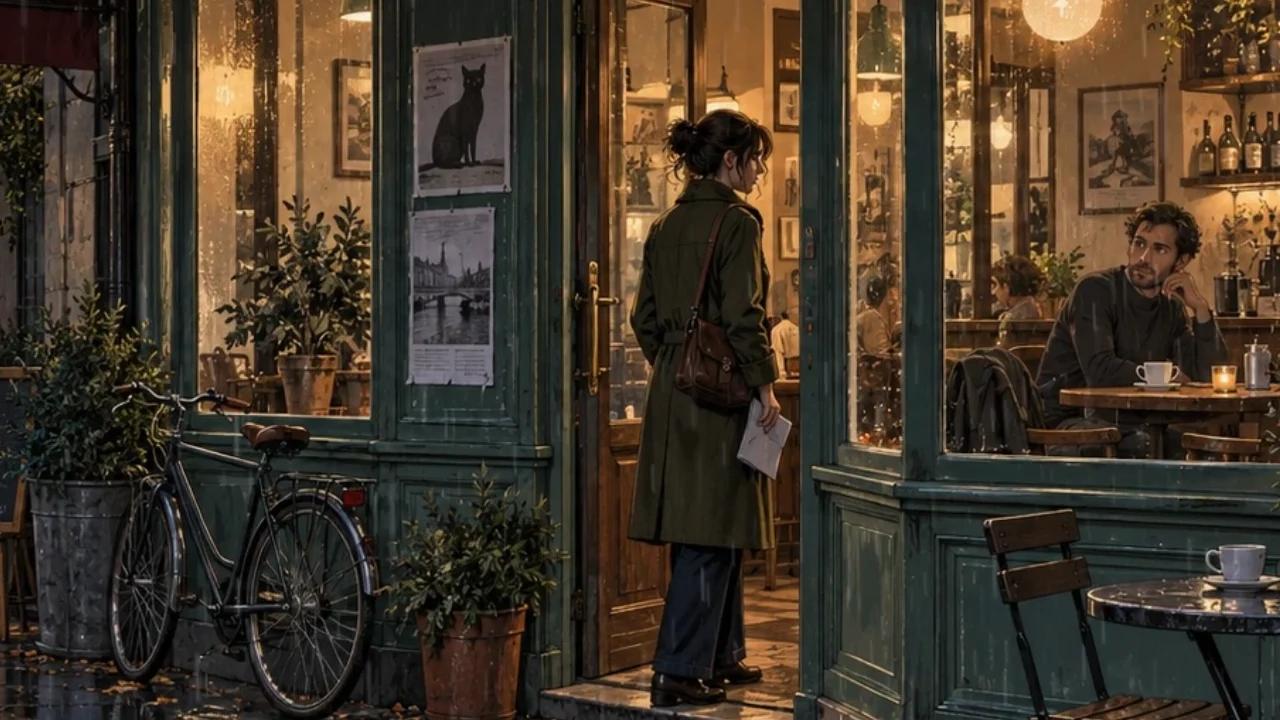
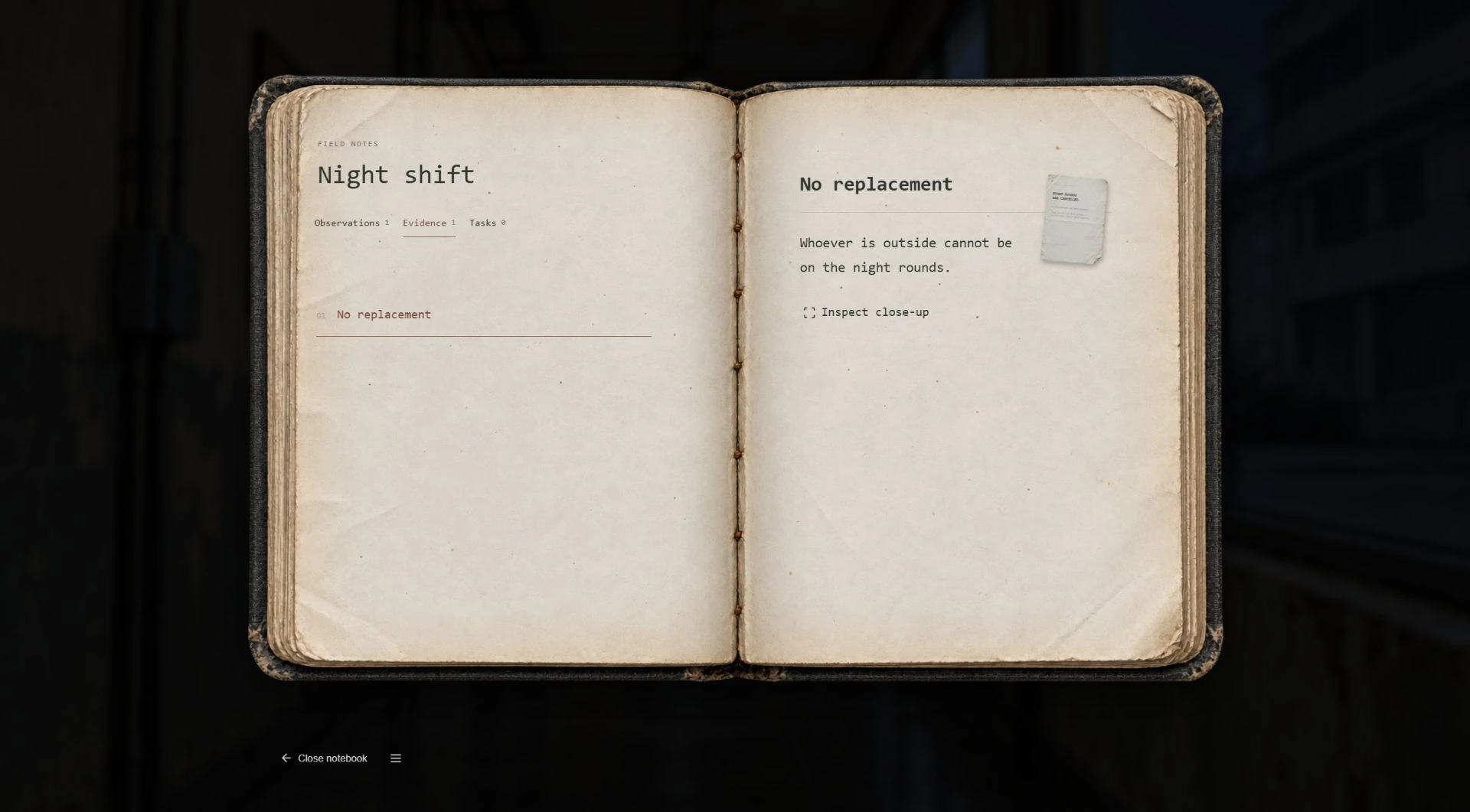
In Someone at the Door, the caretaker keeps clues in a battered notebook. In The Last Signal, a button on an old radio starts the story. In the composer, you can bring in your own artwork, arrange the controls and choose what each one does.
STORY SYSTEMS
Branching conversations, flags, relationships and stats. Let a decision change more than the next line.
Give props a purpose. Inspect details, use inventory items and let a discovery unlock a conversation.
Save a camera angle, move into a close-up, hold a pause and hand control back to the player.
Light your backgrounds and props, put a flashlight in the player's hands and change how a place feels.
Compose your own main menu, pause, saves and dialogue history. Add artwork, arrange elements and customize button states.
Jump into a scene with an author test state, check story routes and replace artwork without rebuilding its behaviour.
TROK focuses on story-driven 2D adventures, exploration and cinematic direction. It is not an all-genre or 3D engine. Free layout is available on supported screens; other screens use style settings.
FROM YOUR FIRST SCENE TO GAME.EXE
Start with a learning copy: write your own dialogue, add a choice and play your branch. Save the project, then build a Windows game that runs without the editor.
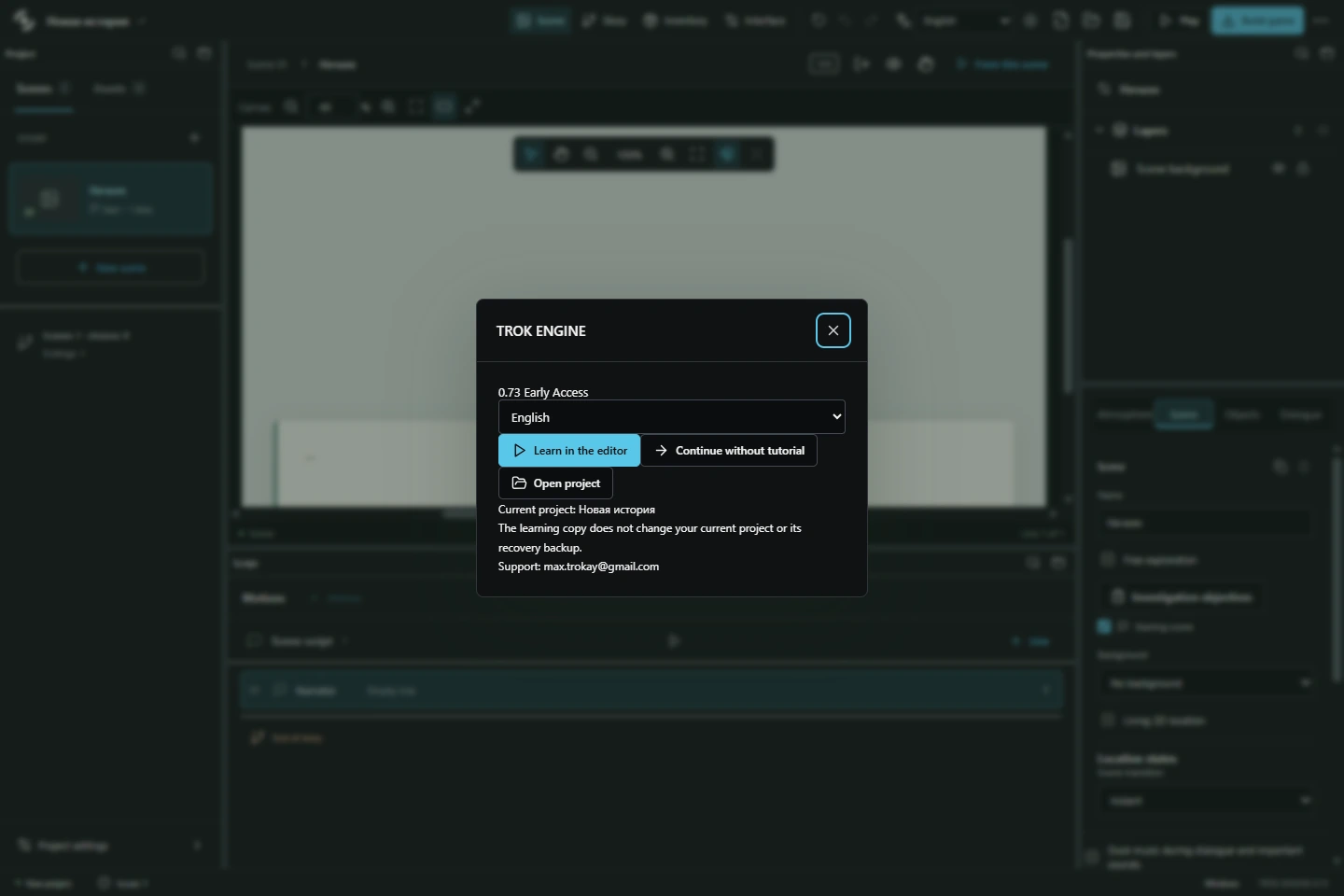
Nine guided steps highlighting the real editor controls in a separate learning copy. Reopen the lesson from Project menu → Learning and help.
Extract the complete archive and run TROK Engine.exe. Choose Learn in the editor on the welcome screen.
Follow the highlights to change a line, add a response and connect it to a scene. Press Play and try your branch.
Save a separate .novel and keep working on the learning copy. Reopen your saved project; keep its .novel.resources folder beside it.
Choose Build game → Choose folder and build. Run Game.exe from that folder. Share the entire build folder with players.
Already using the editor? Open Project menu → Learning and help. The lesson is optional and keeps your project separate.
Download the quick startIn The Last Entry, explore the room, read the note and speak to Helen again. Then edit a line or the condition on a response. This is a separate editable sample on itch.io.
Get The Last Entry on itch.io20 chapters and hands-on exercises for 0.73, from your first line to maps, custom menus, weather and Windows export.
Handbook: English and Russian. Quick start: English, Ukrainian and Russian.
EARLY ACCESS / FREE BEFORE 1.0
All current TROK ENGINE 0.x features are free. Create and release your games. Supporting the author is optional and does not unlock hidden features.
Build your game while the engine is in development.
A free Demo to try the workflow, and Full for unrestricted authoring.
Downloaded 0.x builds will keep working after 1.0. The current technical limit is 300 scenes per project. Asset packs will be separate optional purchases.
Download TROK ENGINE for free on itch.io and build your game. Want to support development? Choose any amount when downloading. All current tools are available without payment.
Windows x64. In development. Keep backups and test your exported game. The current Windows builds are unsigned; do not disable your antivirus.
Any successful payment on the official TROK ENGINE itch.io product page before 1.0 gives you Full 1.0 at no extra cost. Keep your itch.io receipt or download key. A free download alone does not grant Full 1.0. Payments elsewhere and asset packs are not part of this offer.
Yes, without engine royalties. The 0.x terms permit distributing the runtime as part of your games, but not reselling the editor. Rights to third-party images, music, fonts and packs must be checked separately.
It keeps working without payment or expiry. You can keep creating and releasing games with your downloaded 0.x build. Keep its archive, your .novel and .novel.resources together; future updates and old hosted downloads are not guaranteed.
Not for the core workflow: scenes, dialogue, choices, conditions and ready-made actions are configured visually. TROK is a focused 2D storytelling tool, not a general-purpose scripting or 3D engine.
The current editor and standalone game export are for Windows x64. Your players do not need TROK ENGINE. Browser, macOS, Linux and mobile exports are not offered in this release.
Yes. Authoring and playing an exported game do not require an AI service or a cloud account. Download the editor, extract the complete archive and work locally.
Yes. Import your backgrounds, characters, props, animation frames and audio. Customize supported layouts and screen styles with your fonts, icons and artwork. You are responsible for the rights to the assets you use.
The editor and built-in game interface support English, Ukrainian and Russian. You write your story in the language you choose; the engine does not automatically translate story text.
No. The engine is actively developing. Keep project backups, use the story checks and test the exported game on your target machine. The handbook describes current features, not a guarantee that every possible project is bug-free.
Email max.trokay@gmail.com with the version, build edition, Windows version, numbered steps, expected result and actual result. Say whether it happens in the editor, preview or exported game. Share only a minimal project you have permission to send.
The website remembers your manually selected language in a cookie for one year. Beta applications are closed. Earlier applications remain private; request deletion by emailing max.trokay@gmail.com from the address used in your application.
Cloudflare Web Analytics receives page-view, referrer, device-type and loading-performance data to help improve this website. The analytics service does not use analytics cookies or track you across websites. Cloudflare Web Analytics
Demonstration artwork was created with AI. Lighting, particles, camera movement and UI are shown using TROK ENGINE rendering; this page does not run a browser version of the engine.